
What is Gemini’s illustrated storybook feature?
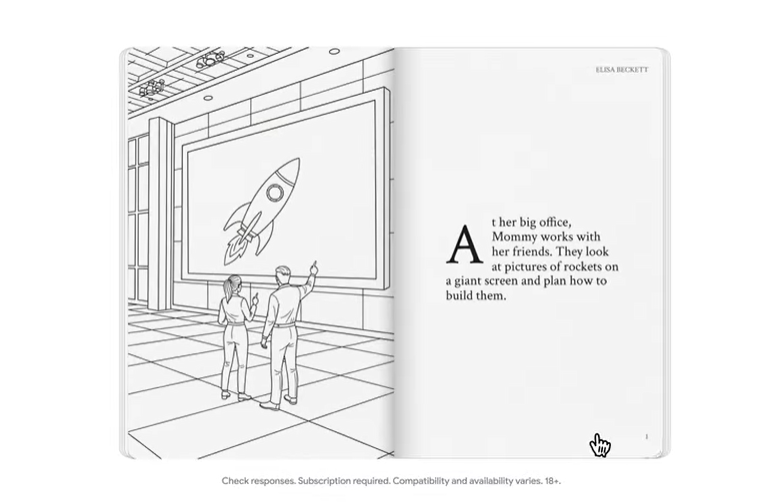
Gemini has introduced Storybook, a new feature that turns your ideas into complete illustrated books with voice narration. This AI tool is perfect for anyone wanting to create a visually appealing story without needing to be an expert in design or writing. With just a simple prompt, Gemini generates a 10-to-12-page book, with custom art and audio that bring your narrative to life.
Step by step: how to create your own storybook
Creating a story with Gemini is a simple and very intuitive process. Follow these steps to get started:
-
- Access Gemini: Open the Gemini app on your mobile device or visit gemini.google.com in your browser.
- Launch the feature: On the left side panel under Gems, find and click the “Book” option. If you don’t see it, click “Explore Gems” to view the full list.
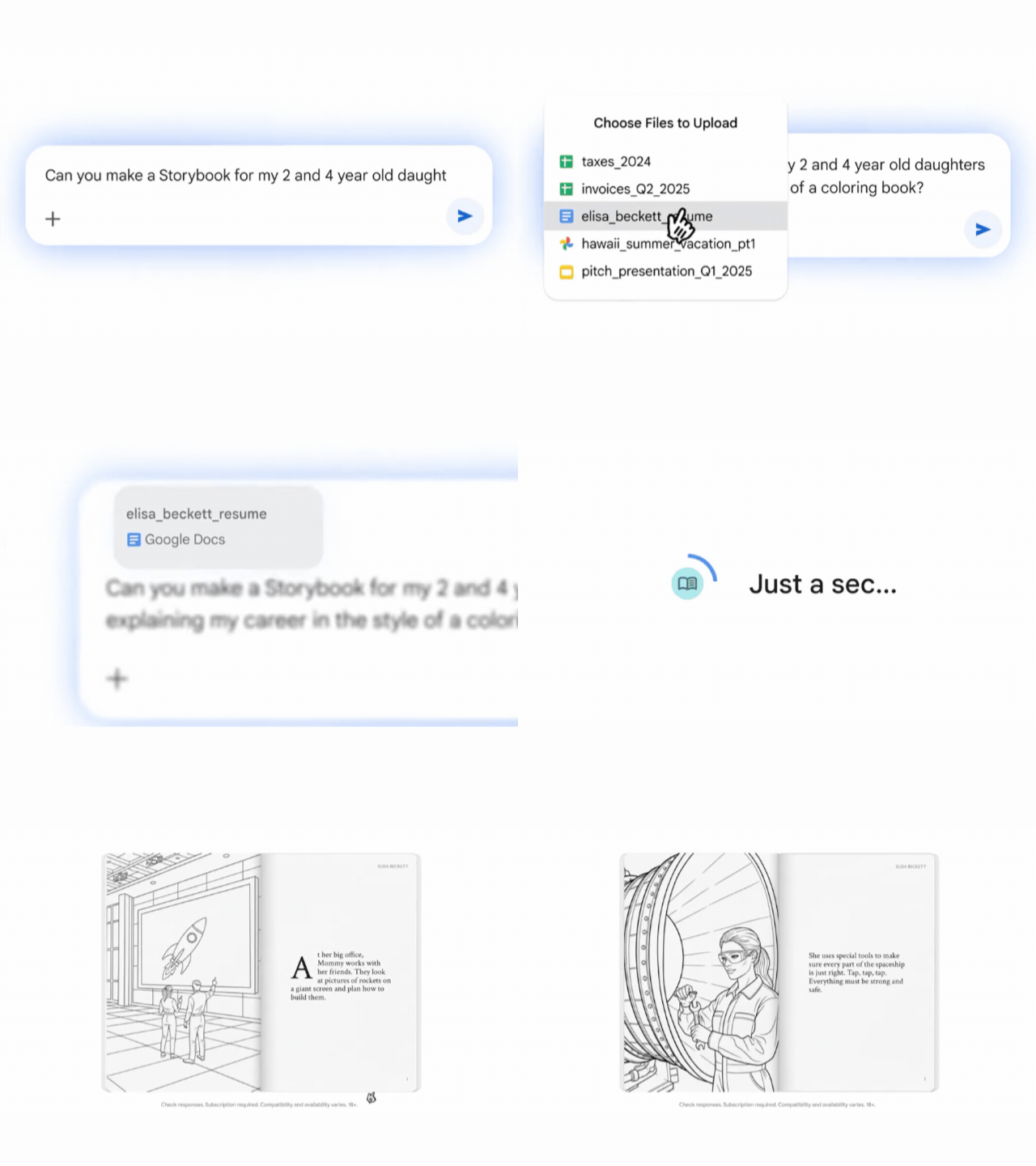
- Provide your prompt: In the text box, describe the story you want to create. For best results, be as detailed as possible. You can specify the topic, characters, illustration style (for example, pixel art, comic, claymation, watercolor), and the desired tone for the narration. For example, “Create a fairy tale about a friendly dragon helping a knight find a magical flower to cure his princess, in a watercolor style.”
- Customize with your own files: If you’d like, you can upload your own photos or documents for Gemini to use in the story. This is ideal for creating stories with characters that look like your children or for turning vacation photos into a narrated adventure.
- Generate and explore: Once you submit your prompt, Gemini will take a few minutes to create the storybook. When ready, it will open in an interactive panel where you can turn pages, listen to the narration, and explore the illustrations.
Uses and benefits of the tool
Storybook’s versatility makes it an invaluable tool for multiple scenarios, not only for entertainment, but also for educational and professional purposes.
-
- For parents and families: Create unique, personalized storybooks for your children, tailoring the story to their favorite characters or specific themes. You can bring your kids’ drawings to life by uploading an image and asking Gemini to write a story about it.
- For educators: Use Storybook to explain complex concepts in a simple and engaging way. Create an illustrated story about the solar system, a historical event, or any other curriculum topic. Voice narration also helps students who struggle with reading.
- For professionals and creatives: Turn lengthy reports or complex ideas into visual, easy-to-digest narratives. It’s an excellent way to present a concept to a team or client, or to transform a personal story into a tangible keepsake.
A future of personalized stories
Integrating AI into storytelling is a clear example of how Google technology is empowering creativity for everyone. This tool not only democratizes content creation, but also offers a new approach to interacting with the stories that matter to us. We invite you to try Gemini’s illustrated storybook feature and discover the endless possibilities it offers.
At G Nerd, we are experts in implementing and managing Google Workspace. We help you discover all the features of this suite, ensuring a smooth transition and seamless integration. Contact us today for a consultation and discover how G Nerd can help you acquire Google Workspace and boost your company’s creativity and productivity.

