
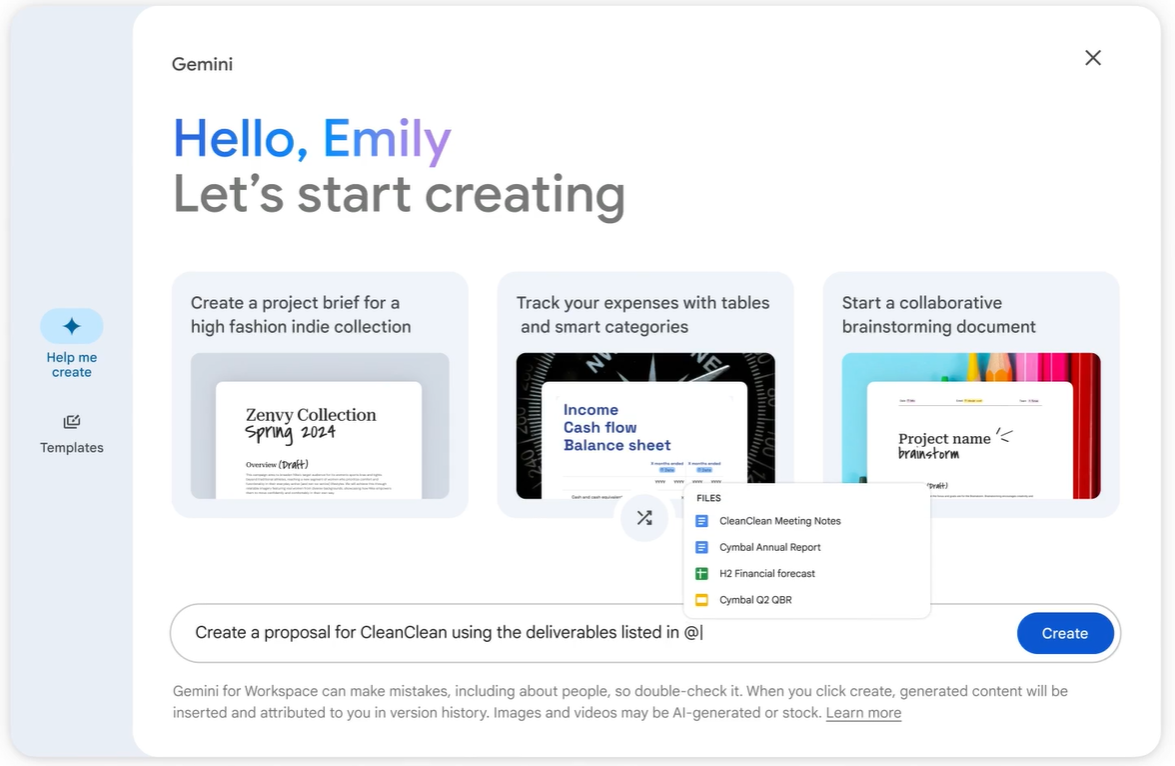
Gemini commands in Docs
- On your computer, open a Google Docs file.
- In the document, click where you want to write.
- On the left, click Help me write.

- Enter a prompt containing your instructions. For example:
- Imagine you lead a project. Write an update to your leadership team on [Project X]. Include the current status of each business function and next steps. Use a formal and concise tone.
- Click Create.
- Review the response.
- (Optional) Click Refine and choose how you want Gemini to change the content.
- When you are finished, click Insert.


One Comment