
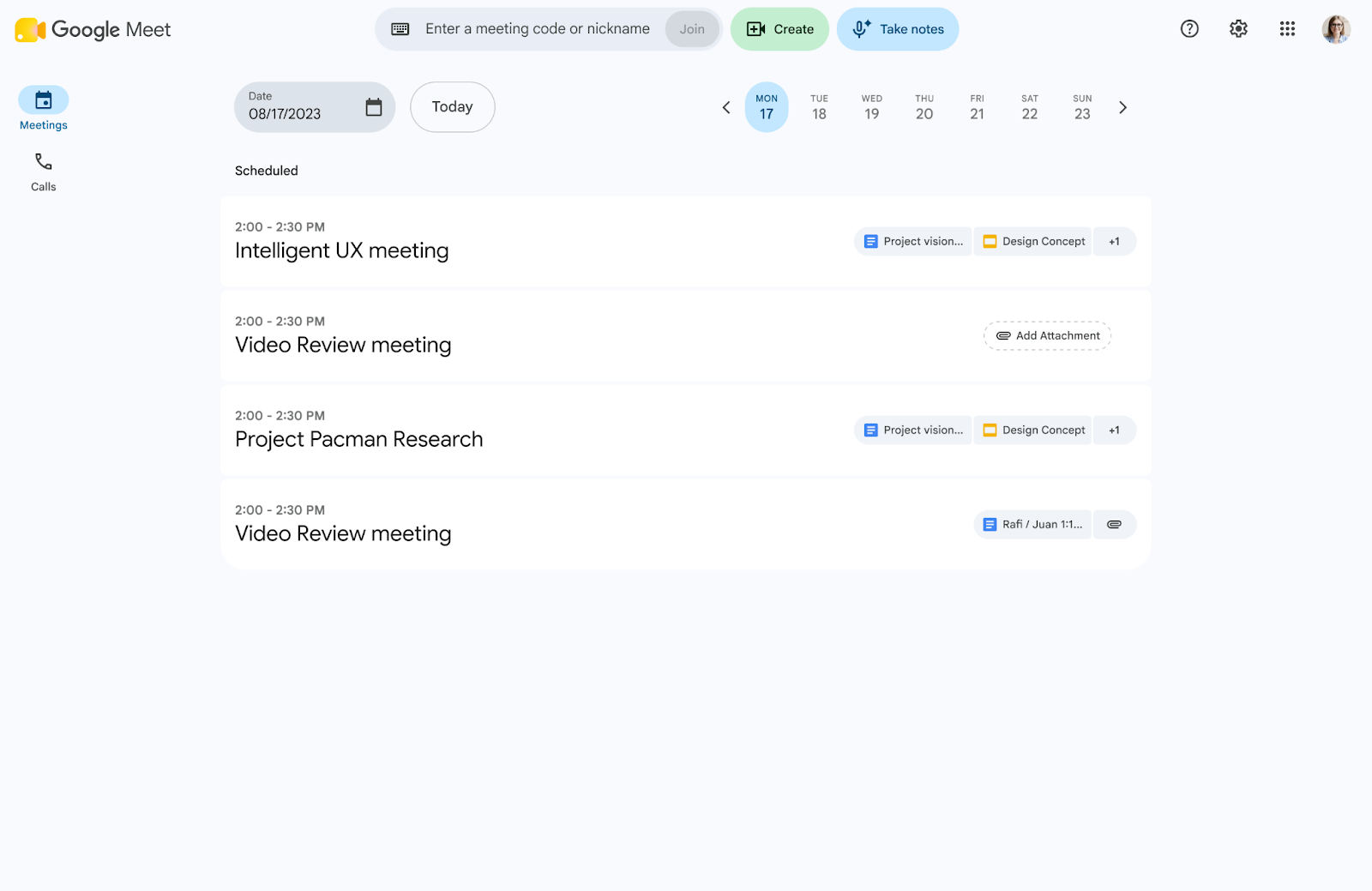

Centralizing meeting notes through artificial intelligence has become a productivity standard for hybrid work. However, in-person sessions in conference rooms used to be excluded from this automated tracking, requiring manual note-taking. To bridge this gap, Google is expanding the “Take notes for me” feature in Google Meet to in-person meetings.
In-person collaboration with smart support
When teams meet physically in a conference room, discussions often generate key decisions that need to be documented immediately. With this update, Google Meet room devices or equipment connected to the session can capture audio from the in-person conversation and process it using Gemini.
When the meeting ends, the tool automatically generates a structured document in Google Docs that includes:
- Executive summary: Key points discussed by attendees in the room.
- Agreements and action items: Specific commitments assigned during the in-person session.
- Operational traceability: Clean and organized minutes without needing to designate a dedicated note-taker.
How to use note-taking in in-person rooms
- On your Android phone or tablet, open the Google Meet app.
- Tap “Take notes for me” > Start taking notes.
- You can place the device nearby, and Gemini will use it to document the meeting.
- While notes are being taken, you can select Pause or Stop.
- If you select “Pause,” both transcription and note-taking will pause. If you want to resume taking notes, tap Resume.
- If you select “Stop,” a confirmation pop-up message will appear. Tap Stop taking notes.
G Nerd Note:
- This feature is available in the same languages supported by “Take notes for me.”
- This feature supports one language at a time. Currently, using multiple languages in the same meeting is not supported.
Key productivity benefits for your company
- 100% active participation: Allows your team to fully focus on contributing ideas and making decisions, eliminating the administrative burden of manual drafting.
- Standardized minutes: Ensures all agreements are clearly documented, preventing ambiguity regarding responsibilities or project follow-ups.
- Centralization and information security: All generated documents are stored in the Google Meet folder inside Google Drive under Google Workspace’s security infrastructure.
- Multilingual support: The tool supports Spanish, English, French, German, Italian, Japanese, Korean, and Portuguese.
Availability and integration in your workspace
This functionality is available for organizations with the following Google Workspace plans:
- Business Standard
- Business Plus
- Enterprise Standard and Plus
- Frontline Plus
- Google AI Pro add-ons
For IT administrators, control is total: the feature respects existing security policies, Google Vault retention, and retention rules configured from the Admin Console.
Take your organization’s productivity to the next level
At G Nerd, we accompany your company through its digital transformation process. We not only provide proper Google Workspace licensing, but we also train your teams to master Google’s Artificial Intelligence tools and optimize their daily operations.

