

A company’s operational efficiency largely depends on eliminating manual and repetitive tasks. Google Workspace Studio emerges as the automation platform designed to streamline daily workflows in the enterprise environment, integrating Gemini’s artificial intelligence without requiring a single line of code.
What a flow is in Workspace Studio and how it works
A flow is an automated sequence of actions that connects apps like Gmail, Google Calendar, Google Chat, Drive, Docs, and Sheets. Each flow consists of two core elements:
- Starter: The event or schedule that triggers the process (for example, receiving an email with a specific keyword or a specific time of day).
- Steps: The tasks executed in sequence, which can include processing information using Gemini or sending direct notifications in Chat.
3 ways to create workflows
Workspace Studio offers three methods tailored to your organization’s required level of customization:
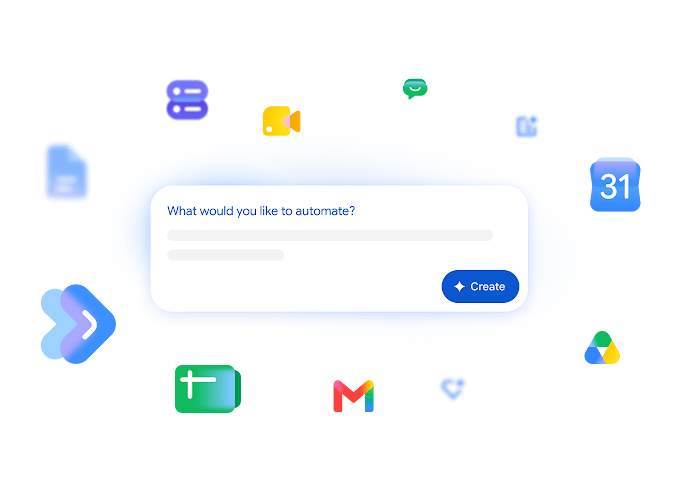
- Describe it with AI: Write a natural language prompt for Gemini to generate the flow structure automatically.
- Use a template: Choose a pre-built template to solve common use cases immediately.
- Start from scratch: Build a custom automation by manually selecting each starter and step.
Practical guide: Build your first flow from a template
To get started with the tool, the quickest way is setting up a template that uses Gemini to summarize your unread emails and send you a daily briefing in Google Chat.
Step 1: Open the platform and select the template
Go to studio.workspace.google.com in your web browser. In the Discover section, browse the available template catalog and select the option to summarize unread emails.
Step 2: Review the starter and step logic
When opening the editor, the logical structure will already be set up:
- Step 1 (Scheduled starter): Set the time and days when the check will run.
- Step 2 (Summarize with Gemini): The AI will process incoming emails to draft a summary of key points.
- Step 3 (Chat notification): Using a dynamic variable, the flow takes the information processed by Gemini and sends it directly to you in a Google Chat message.
Step 3: Test and turn on the automation
Click Test run to confirm that data flows correctly and verify execution. If everything works as expected, click Turn on to launch the automation.
Account requirements
To use Workspace Studio, your organization must have a supported Google Workspace edition, such as Business Starter, Standard, or Plus, Enterprise Standard or Plus, or supported Education editions. In addition, the domain administrator must keep AI and Gemini features enabled.
Optimize your company’s productivity with G Nerd
Maximizing the Google Workspace ecosystem requires expert guidance in licensing, security, and technical training. At G Nerd, we guide your team to transform operational workflows using advanced automation and artificial intelligence tools.

