
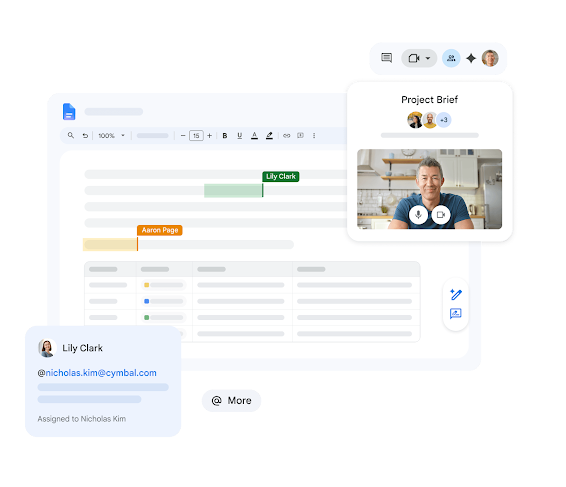

Step by Step: How to Enable Change Alerts
Setting up these alerts is simple and is done directly from the document you want to track.
- Open your document in Google Docs from your browser.
- Go to the top menu and select Tools.
- Click on Notification settings.
- In the pop-up window, look for the Edit notifications section.
- Select the Added or removed content option.
- Click OK.
Benefits of Notifications for Your Business
Why should you implement this as a standard in your workflow?
- Agility in Decision Making: Receive an email the exact moment a client or collaborator modifies a proposal, allowing you to react instantly.
- Total Transparency: Notifications detail who made the change and when, eliminating any doubts regarding update authorship.
- Reduction of Micro-management: No need to ask “have you reviewed it yet?”. The system will automatically notify you when the task is ready or modified.
Use Cases: When is this feature vital?
- Contract Approval: Set up the alert on a legal document to know if the counterparty has suggested changes to the clauses.
- Inventory Management in Sheets: Receive a daily or immediate summary when warehouse staff update stock on a shared sheet.
- Campaign Launches: Marketing directors can monitor the final edits of ad copy before publication.
License Availability
One of the main advantages of this functionality is its democratization within the Google ecosystem. Edit notifications are available for all Google Workspace Business editions, including:
- Google Workspace Business Starter
- Google Workspace Business Standard
- Google Workspace Business Plus
- Enterprise Editions and Personal Accounts
No matter the size of your organization, this productivity tool is within your reach.
Looking to optimize your Google Workspace investment?
At G Nerd, we don’t just sell you licenses; we become your strategic allies so that every cent invested in technology translates into real productivity. If you feel your team is not yet taking 100% advantage of Google’s AI and collaboration tools, we are here to help.
Would you like us to conduct a free audit of your current workflows to identify bottlenecks?