
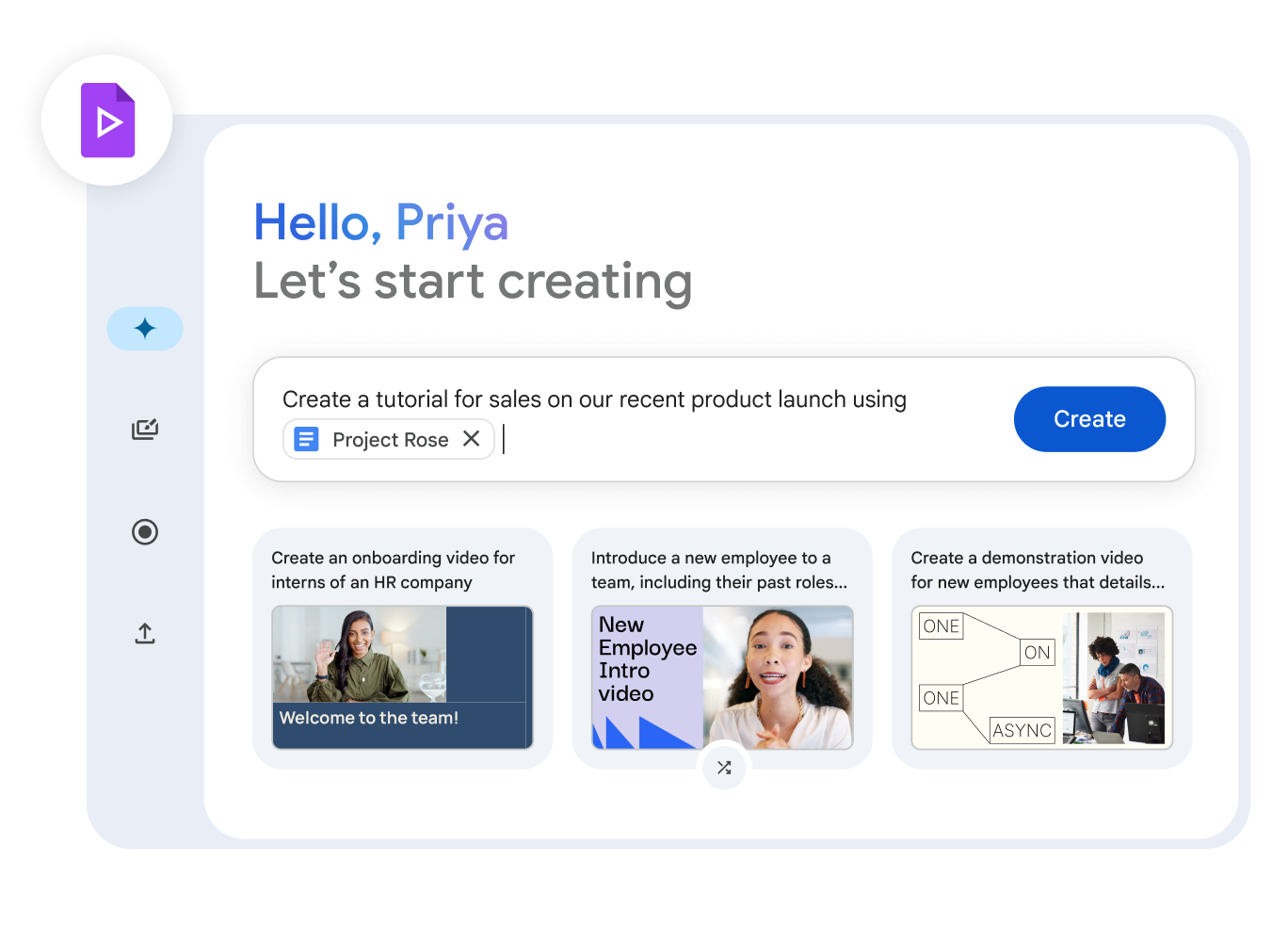
Create a video using the “Help me create” feature
You can use “Help me create” to generate a video draft with Gemini in Google Vids. You just need to enter a description. Gemini then generates a draft, including a script, AI voiceover, scenes, and content for the video. Afterward, you can edit the draft as needed.
- On your computer, open Google Vids.
- In the Gemini window, click “Help me create” if you’re not already on that tab.
- Describe the video you want to create. Include details like the audience, purpose, and tone of the video.
- Optional: To generate examples, click the prompt suggestions below the description box.
- To add related files, type @, then type a file name or select a file from the drop-down list. You can add Google Workspace files, such as Docs, Sheets, or Slides, from Google Drive.
- To generate new prompt ideas, click the shuffle icon below the suggestions.
- Optional: To generate examples, click the prompt suggestions below the description box.
- When you’re satisfied with your description, click Next.
- Review and edit the proposed outline, or rewrite your prompt to generate a new outline, then click Next.
- Select a design, then click Create video draft.
- When your video is created, you can add and customize content as needed.


