
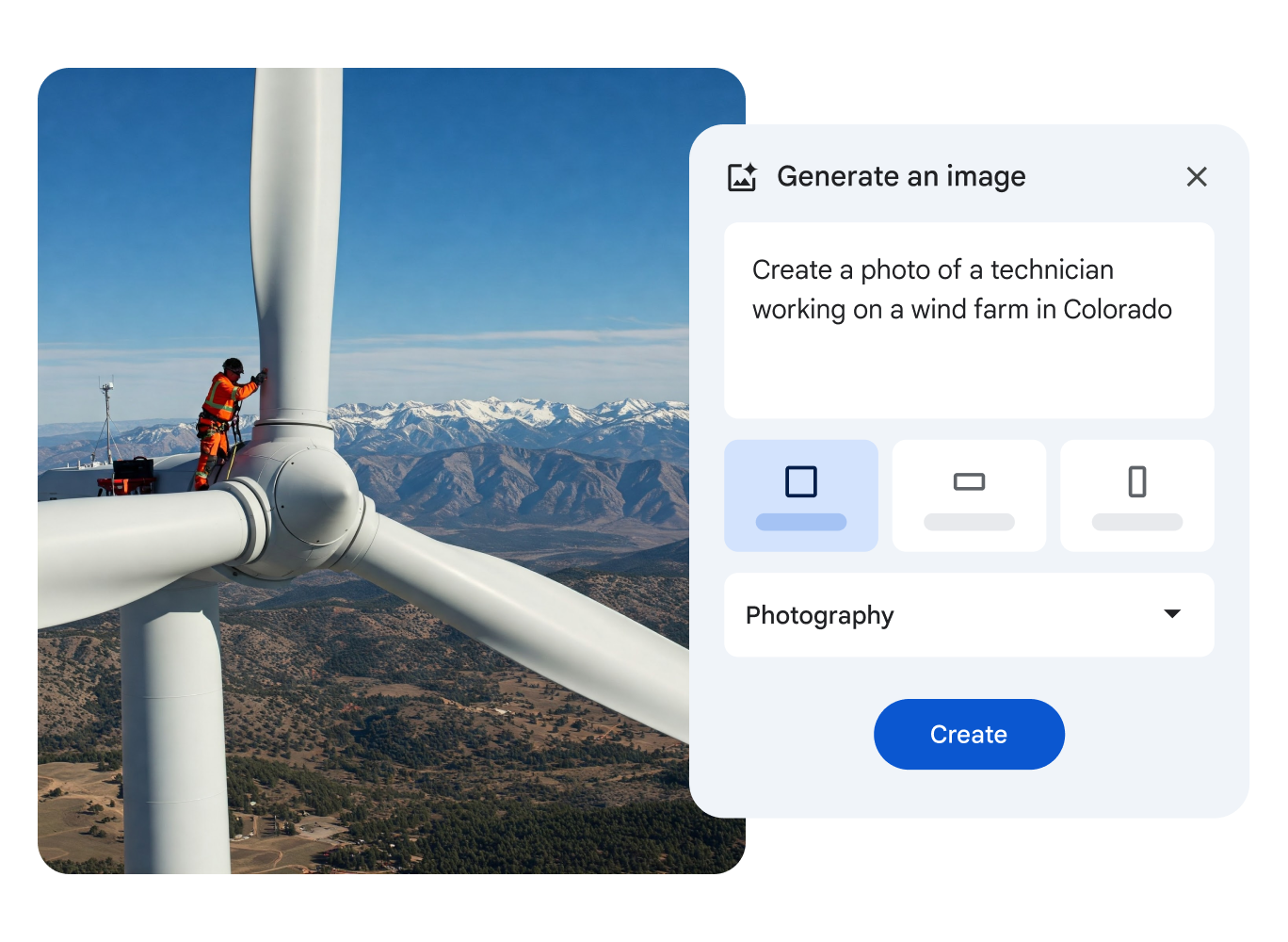
Insert generated images
You can add images generated by Gemini to your videos.
- On your computer, open a video in Google Vids.
- In the side panel to the right of the canvas, click Generate an image.
- In the search box, describe the image you want to generate. For better results, include the subject, setting, materials, or background. For example:
- A Hawaiian beach at sunset with palm trees in the distance.
- A plate of freshly baked blueberry muffins on a wooden table next to a large window.
- A futuristic city at night with skyscrapers and flying cars, HD details, and shadows.
- Optional: To specify the type of image you want, such as a photo or a drawing, click Add a style.
- To generate suggested images, click Create.
- To insert a generated image, click the image.



One Comment