
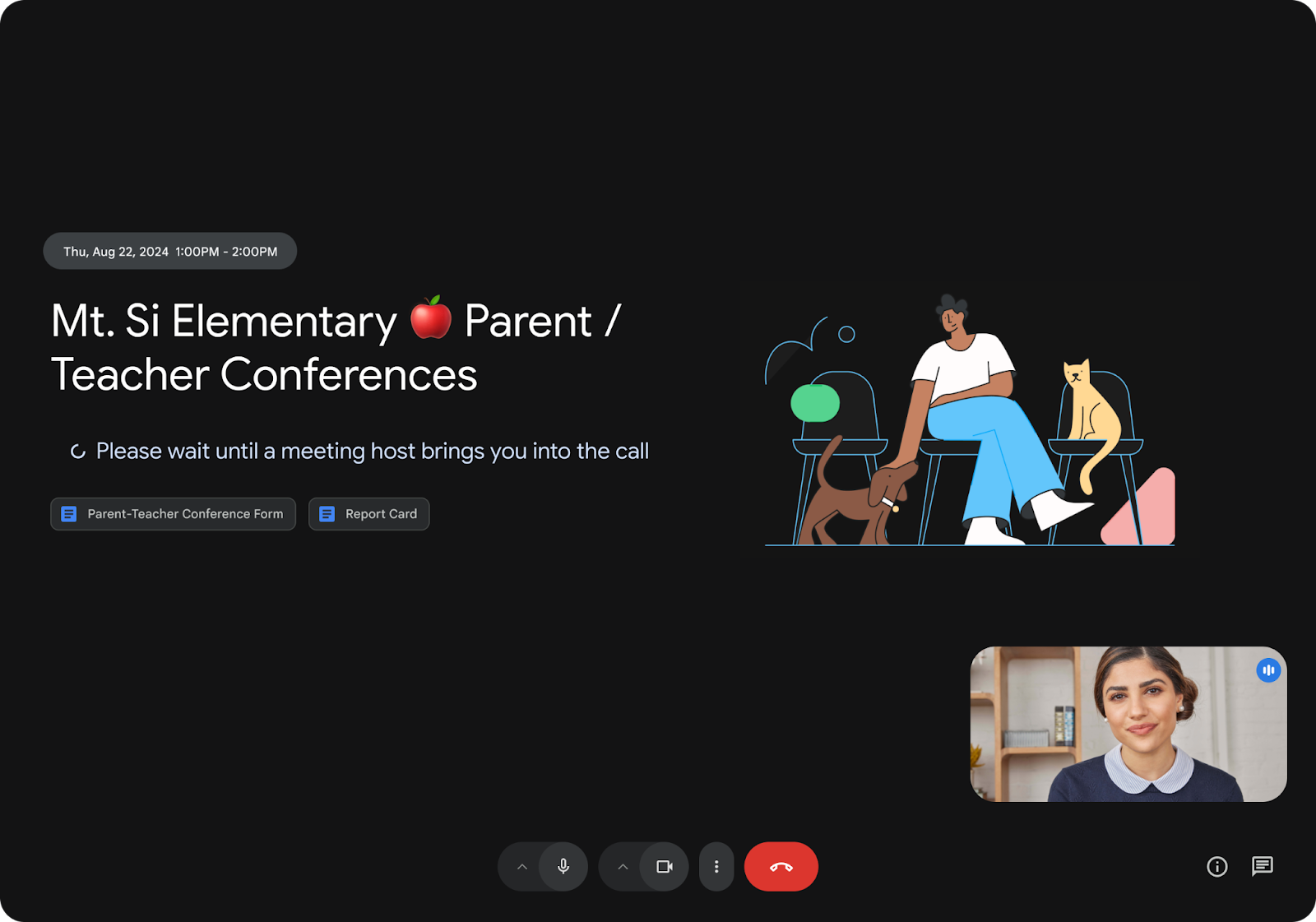

In today’s business world, professionalism and security in our virtual meetings are fundamental pillars. Today, we want to talk about one of the most anticipated and requested features by users: Waiting Rooms in Google Meet.
This update marks a turning point in how hosts manage their sessions, delivering a new level of control.
What are Google Meet waiting rooms?
The waiting room is a virtual space where participants wait before being admitted into the main meeting. Far from being a simple “limbo,” it is a strategic tool that allows hosts to prepare the call environment without unexpected interruptions.
Key features of this update:
- Selective access management: Hosts and co-hosts can admit or deny entry to participants individually or in bulk.
- One-way announcements: Are you running 5 minutes late from a previous session? Now you can send a chat message to everyone in the waiting room to keep them informed, maintaining smooth communication without starting the meeting.
- Return to the waiting room: If you need to discuss something private with a subgroup of attendees, you can move specific participants back to the waiting room and readmit them when needed.
- Guest confirmation: Attendees will see a clear message confirming that they are in the right meeting and that the host will admit them soon, eliminating the uncertainty of “did my connection drop?”.
Benefits for your business
For a consulting firm or any business handling sensitive information, this feature is vital for three reasons:
- Security and Privacy: Prevents unauthorized access before the team is ready. Ideal for job interviews, board meetings, or legal consultations.
- Professionalism: Allows the host to set up their presentation, test their audio, and share their screen before clients enter.
- Reduced interruptions: No more “someone wants to join” chimes in the middle of an important sentence; you decide when it is the right time to open the virtual door.
How to enable it?
As Workspace administrators or users, you can enable this feature directly from Google Calendar when creating or editing an event. In the video call settings, you will find the new “Waiting room” tab. Keep in mind that by default, this option may be disabled depending on your Workspace domain settings.

Availability
This feature is rolling out to Business Standard and Business Plus, Enterprise (all tiers), Education Plus plans, and Workspace Individual subscribers.
At G Nerd, we are ready to help you get the most out of these tools. If your company doesn’t have the advantages of Google Workspace yet, or if you need to optimize your current setup, contact us! Your productivity can’t wait.

