
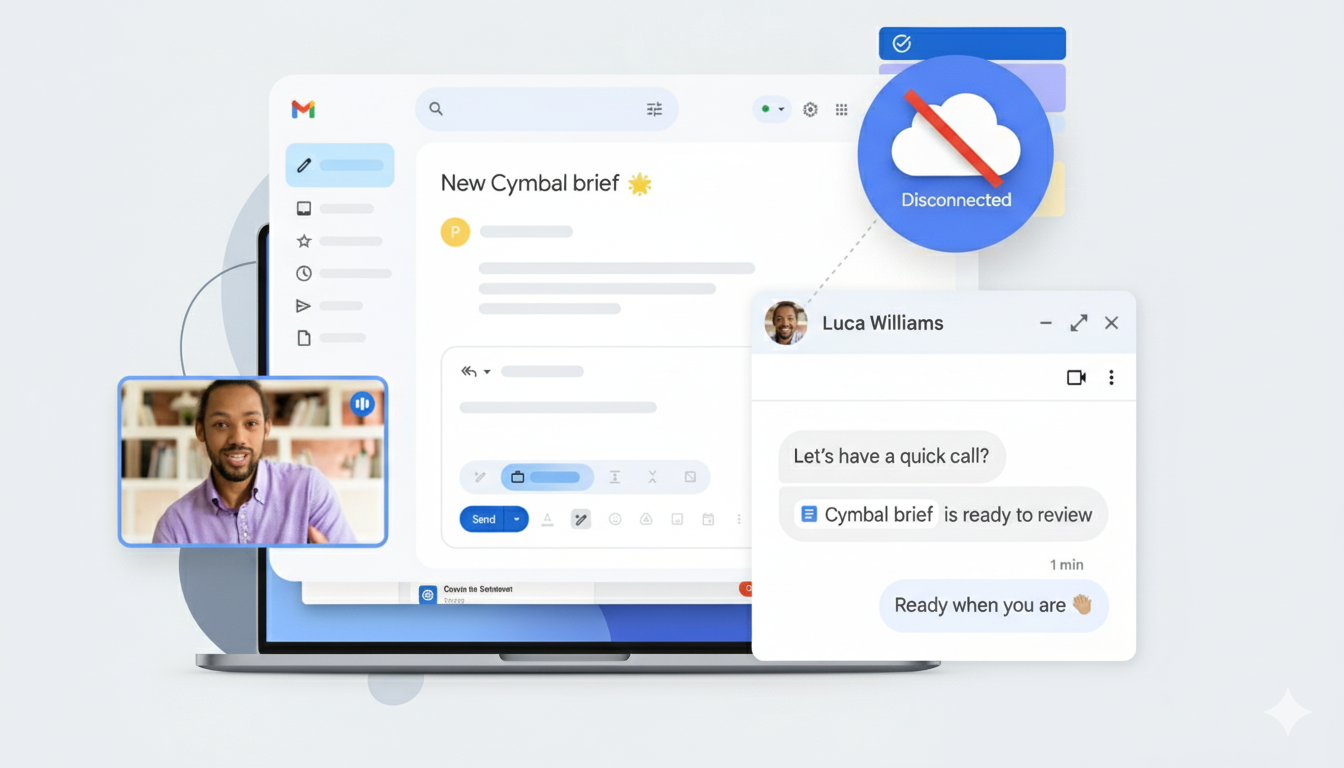
Set up Gmail to use offline
Only on the Chrome browser
On your computer, make sure you have downloaded Chrome. You can only use Gmail offline in a Chrome browser window, not using Incognito mode.
- Go to Gmail offline settings.
- Check “Enable offline mail”.
- Choose your settings, such as how many days of messages you want to sync.
- Click Save changes.
Enable Gmail offline on each device where you want offline access.


