
There are many ways to boost your productivity with Calendar. Here is a framework that can help you make the most of your time and your meetings.
Know your flow
Managing your time is about much more than just scheduling events on a calendar. Consider the rhythm of your day and when and where you have the most energy to do your best work. Do you find it easier to focus early in the morning or later in the afternoon? Or are you a night owl? Are you more productive in the office or when working from home? Or do you prefer being out and about, in a coffee shop or a library? Are you organizing the right work at the right time? Make sure to focus on your highest-impact tasks during the times you feel most energized, and save tasks like catching up on industry news or chatting with coworkers for times when you have less energy. Remember that not all hours are created equal.
Schedule for success
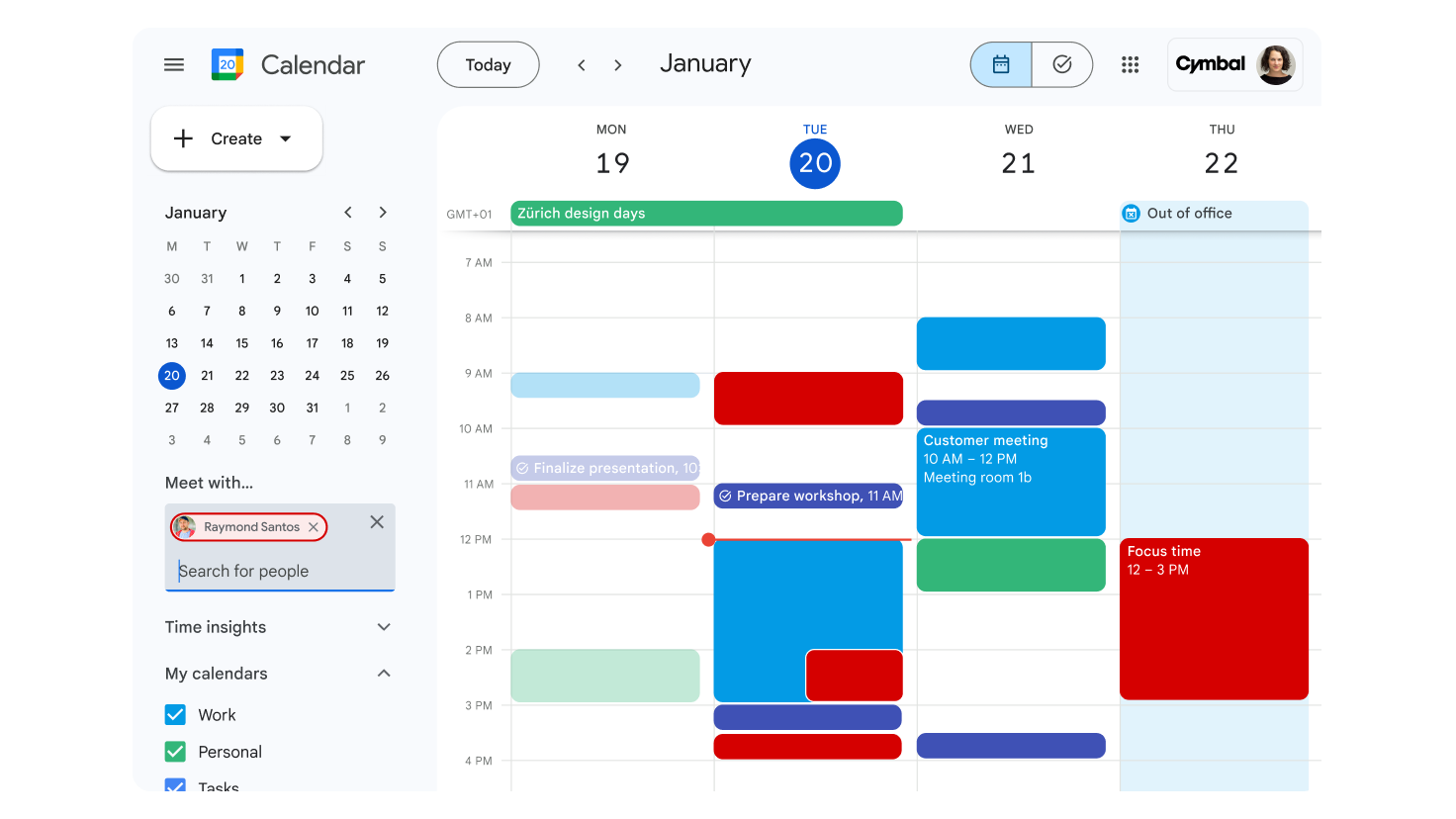
Once you’ve identified the most productive moments of your day, reserve them to work on analytical or strategic tasks, or anything that requires deep concentration. Schedule them as “focus time” events in Calendar so your colleagues know you don’t want to be disturbed, automatically muting chats and spaces. Try to schedule two or three focus blocks per week. Instead of scheduling new meetings wherever you find an open spot on Calendar, group meetings by type, content, and location. For example, meet with all your direct reports on Wednesday afternoons when you are in the office. Be sure to set your working location and hours in Calendar and RSVP to meetings with your location. That way, everyone will know what to expect.
Manage meetings like a pro
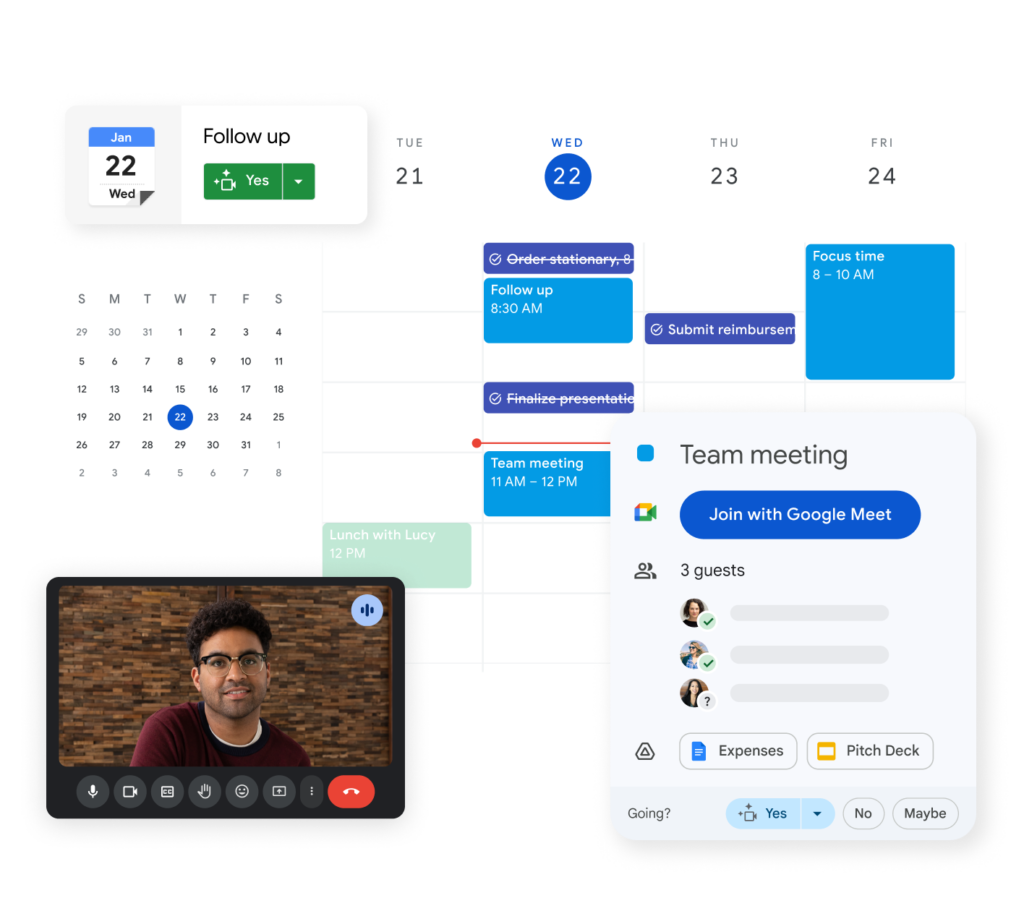
Calendar tools can help your meetings run smoothly. Use World Clock to schedule meetings across different time zones and ensure you respect your colleagues’ schedules around the globe. Change your default meeting duration to 15 minutes to make sure you are only scheduling the minimum time needed for discussions. Create draft calendar invitations in Google Docs or schedule events directly from Gmail or Chat. You can even create meeting notes directly within a Calendar event.
Support creative, collaborative, and effective meetings
Foster creativity by designing a fun background for your meetings with Gemini in Google Meet. Ensure that all global team members can participate equally in the meetings you schedule using translation in Meet, powered by Gemini. Make sure key topics are covered by easily accessing attachments that were included in the Calendar invite directly from Google Meet.
Ensure you are focused on the right things
Color-code your calendar based on your work categories and priorities. Then, use Time Insights to get real-time data on where and with whom you spend your time, broken down by event color. Check Time Insights every few weeks: Are your work blocks still on track? Do you need more focus time on your schedule? Make adjustments to keep your calendar in optimal shape for your workload.
Stop wasting time on repetitive tasks. With G Nerd and Google Workspace, you can automate your processes and dedicate more time to what really matters.
Contact us and discover how G Nerd can drive your business growth.
Productivity won’t wait! Work smart and save time with G Nerd.
Resources
-
- How can Google Calendar help boost your productivity?
- How to use “focus time” in Google Calendar
- Set your working location in Google Calendar
- How to set your working hours in Google Calendar?
- RSVP to meetings from Google Calendar
- Change the default duration of your meetings in Google Calendar
- Create background images with Gemini in Google Meet
- Time Insights in Google Calendar

