
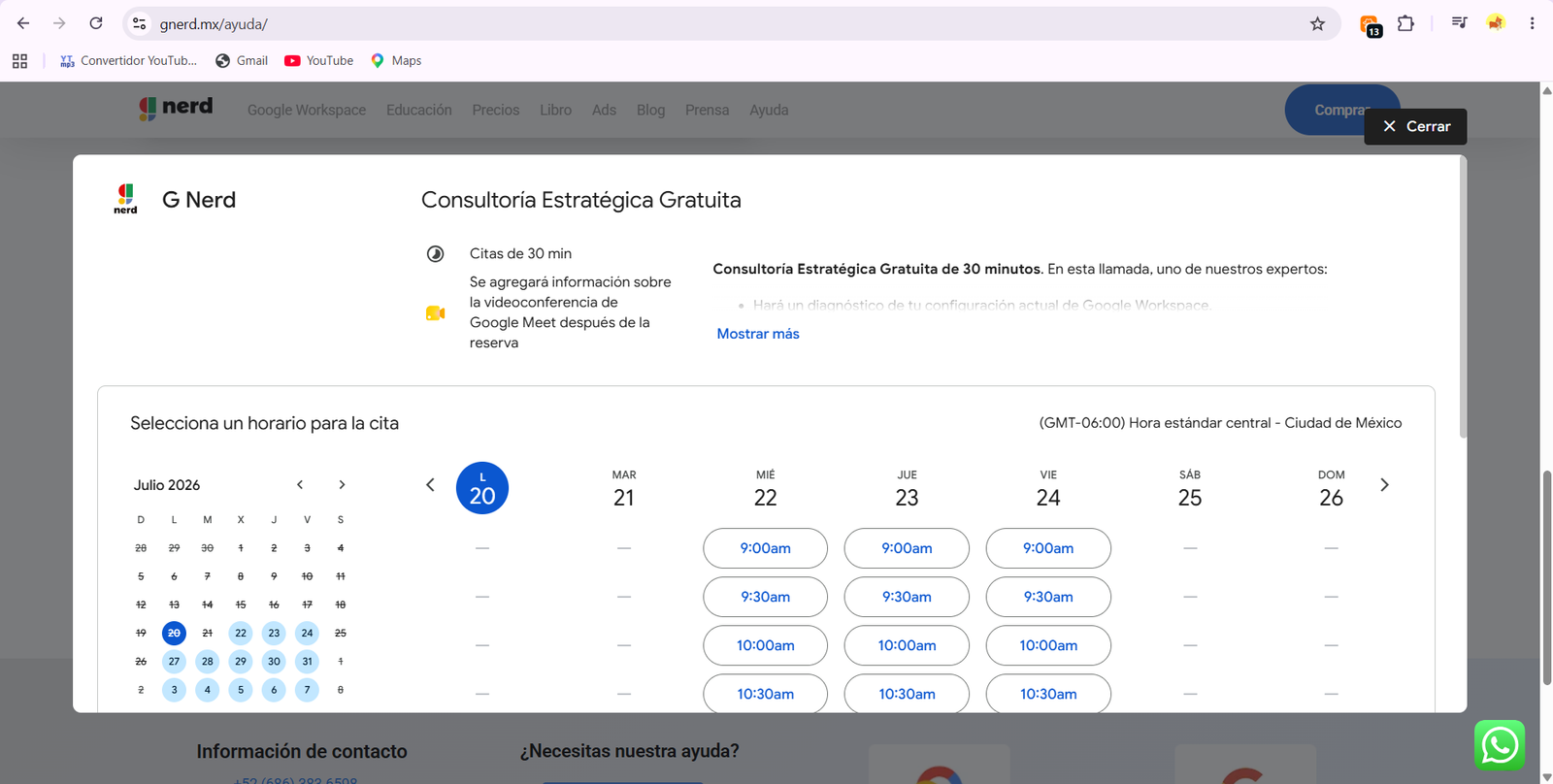

Displaying your events, availability, or workshops directly on your website is one of the easiest ways to automate customer support and service.
At G Nerd, as official Google Workspace partners, we share the ultimate guide to embedding Google Calendar into your website in just a few minutes, without needing any coding skills.
Step-by-step guide to embedding Google Calendar
Important note before you start: You can only get the embed code from a computer, as this option is not available in the mobile app. Also, for your clients to view the dates, make sure to set the calendar to “Public.”
-
- Open Google Calendar on your computer. In the top right corner, click the gear icon and select Settings.
- In the left sidebar, locate the “Settings for my calendars” section and click on the name of the calendar you want to embed on your website.
- Click on the Integrate calendar option. Find the section named “Embed code” and click the Customize button. Here you can choose the dimensions, colors, and visual elements that will be displayed.
- Make sure the width and height are set to at least 500 pixels so it looks good on any screen. At the top, next to the generated code, click Copy to clipboard.
- Go to your website editor (WordPress, Wix, Shopify, etc.), add an HTML code block, and paste the code you just copied. You’re all set!
💡 G Nerd Usability Tip: We recommend keeping the calendar navigation buttons enabled. If you disable them, your visitors will only be able to switch months using keyboard shortcuts, which hinders the user experience.
Key benefits for your company’s productivity
Integrating with the Google Workspace ecosystem brings fundamental operational advantages to your business:
-
- Real-time synchronization: Any changes or new events you add from your phone will instantly reflect on your website.
- Total transparency: Your users will see event times in their local time zone and can save events to their personal calendars with a single click.
- Software savings: You don’t need to pay for expensive third-party booking tools; the native Google Workspace ecosystem covers it completely.
🔒 Security Reminder: By making a calendar public, anyone on the internet will be able to see its details. We suggest creating a dedicated secondary calendar for your website (for example, "G Nerd External Events") instead of sharing your personal or private agenda.
Ready to automate your business?
Taking advantage of features like web embedding is just the tip of the iceberg of what Google Workspace can do for your company’s workflow.
At G Nerd, we advise you on selecting the ideal licenses, securely configuring your privacy policies, and training your teams so they stop wasting time on repetitive tasks. Contact us today and transform your company’s digital infrastructure!
Resources


One Comment