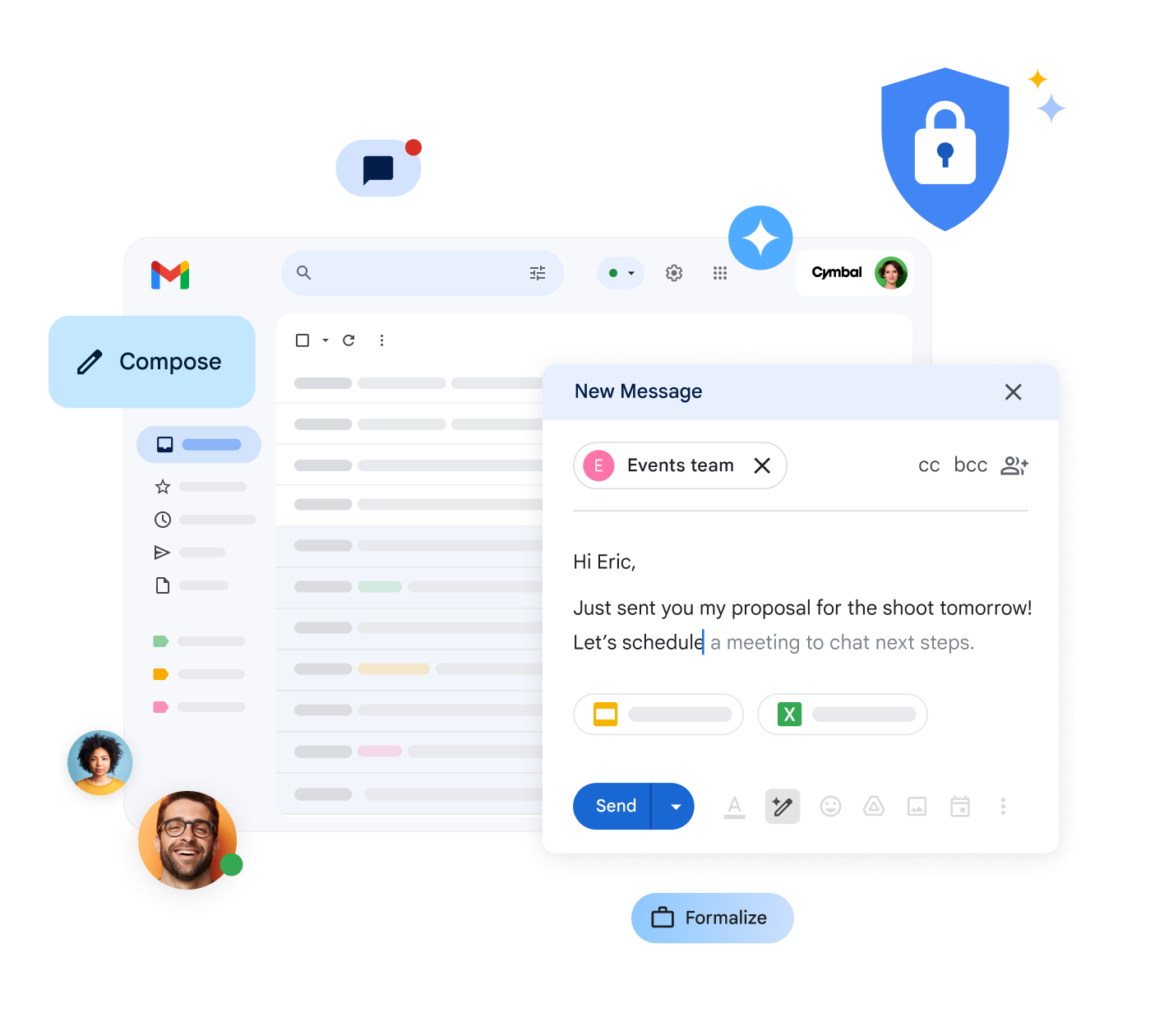
Email often feels like a constant battle. You have to read through endless conversation threads to get the context, search for attachments you don’t remember saving, and when you finally sit down to reply, you struggle to find the right words. Your inbox overflows, and the feeling of control completely disappears.

But what if I told you there’s a way to regain control? The answer lies in Gemini in Gmail, your new artificial intelligence assistant for Google Workspace. Gemini is not just another tool; it’s a companion that learns from you and helps simplify those repetitive, tedious tasks that consume most of your day.

Goodbye slow drafts, hello smart replies
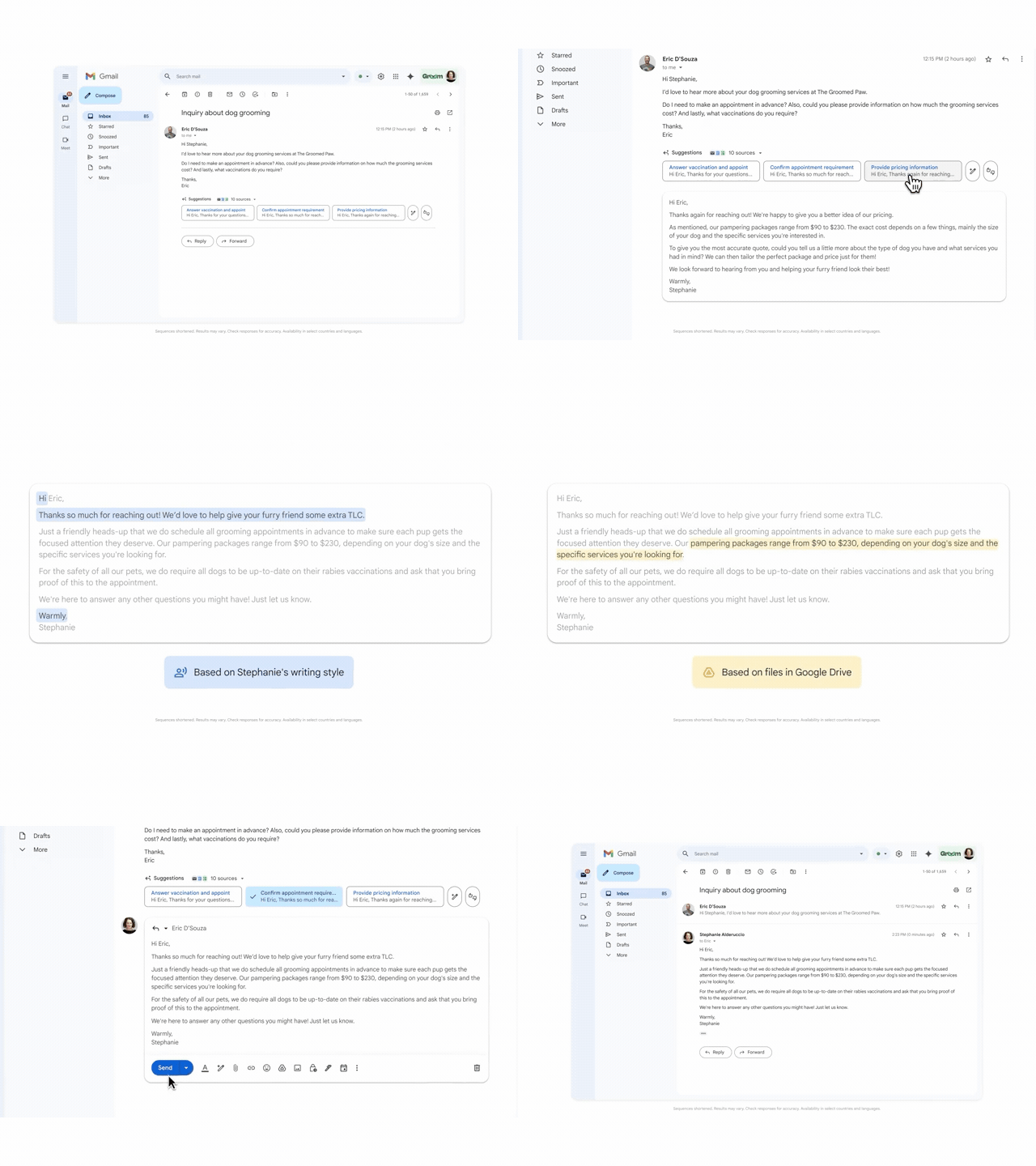
Have you ever faced an important email and found yourself staring at a blank screen? Writing the perfect reply with the right tone and precise information can be a challenge. This is where Gemini shines.

Thanks to its integration with your Google Workspace account, Gemini analyzes your previous emails and Google Drive files to understand your style and context. With that information, it provides smart, personalized replies that are not only relevant but also match your way of communicating. Whether you prefer a formal, direct tone or something warmer and more conversational, Gemini adapts to you so you always sound authentic. This eliminates the need to manually search for key details across other documents or emails, saving you valuable time and allowing you to write more fluidly.

Your inbox, under control

Email accumulation is a universal problem. That overwhelming feeling of looking at hundreds of unread messages can be paralyzing. But with Gemini, you can proactively regain control of your inbox.

Gmail platform animation showing how Gemini helps clean your inbox in a few steps with a simple prompt.
Gemini goes beyond helping you write; it takes care of the organizational tasks you usually postpone. Need to get rid of old emails or archive them? Simply give Gemini an instruction. Imagine wanting to “Delete all my unread emails from The Groomed Paw from last year.” With a single click, Gemini can execute that task for you, clearing and decluttering your inbox so you can focus on what truly matters. This inbox cleanup feature restores your sense of order and efficiency.

Schedule meetings in seconds, without the back-and-forth

Gmail animation showing how to send a booking page with the help of Gemini.
Coordinating a meeting with someone outside your organization can be a real headache. Exchanging emails back and forth to find a compatible time slot without access to each other’s calendars consumes unnecessary energy.

The new quick scheduling feature in Gmail solves this problem. Gemini detects when you are trying to schedule an appointment and automatically suggests sharing your booking page. This allows the other person to select an available time directly from your calendar without you having to leave the email or exchange multiple messages. It is a simple and effective way to streamline coordination and avoid the constant back-and-forth typical of meeting scheduling.

Harness the potential of Gemini in your company

At G Nerd, we are convinced that Google Workspace tools, like Gemini, can transform the way you work. They offer you the opportunity to delegate manual and repetitive tasks to artificial intelligence so you can focus on more strategic and creative activities.

If your company is looking for a way to boost productivity, organize communications better, and optimize workflows, integrating Google Workspace with Gemini is the way forward. Don’t waste any more time and contact us. It’s time to reclaim your workday and dedicate yourself to what truly matters.


Resources