
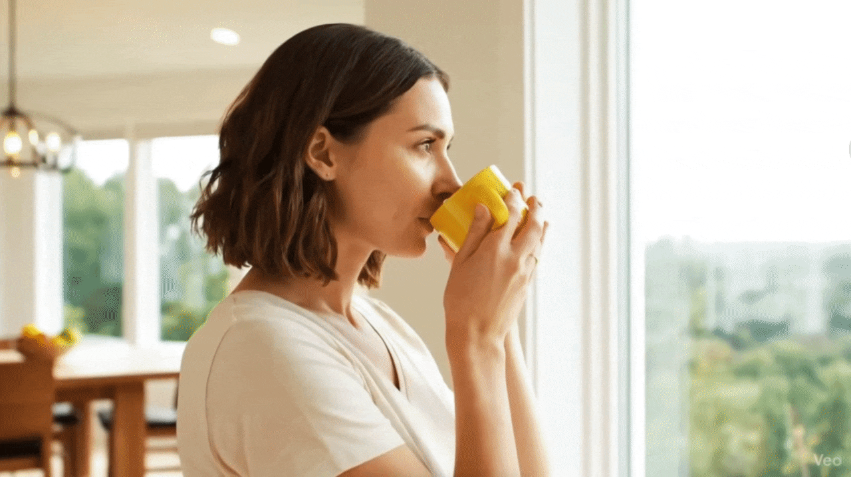

In the fast-paced world of corporate content creation, visual consistency is king. Until now, generating videos with Artificial Intelligence presented a major challenge: lack of control over continuity. Have you ever tried to create a video sequence with AI and the character’s face changed between shots? That problem is a thing of the past thanks to the latest update to Google Workspace.
Today at G Nerd, we want to tell you everything about the new “Ingredients” feature in Veo 3.1, a tool set to transform the way your company creates internal videos, training materials, and brand content.
What is the “Ingredients” (Ingredients-to-Video) feature?
Google has taken a quantum leap in its Google Vids tool by integrating the Veo 3.1 model. The new capability, called “Ingredients-to-Video,” allows users to generate high-quality 8-second video clips using specific visual elements that you provide as a base.
The premise is simple yet powerful: instead of relying solely on a text prompt and letting the AI “imagine” the rest, you can now upload up to three reference images (your “ingredients”). Veo 3.1 uses these images as visual anchors to generate the video, ensuring that the subjects, characters, and objects remain faithful to reality.

The end of inconsistency in AI-generated videos
The biggest headache when using generative AI for video has always been the “hallucination” of details. A logo could deform or a virtual employee’s face would change drastically when moving.
With this update, Google guarantees consistency. If you upload a photo of a product, the generated video will show that exact product, not an approximate version. This is vital for maintaining corporate identity and professionalism in your communications.
3 Real use cases for your company
According to the official Google Workspace documentation, these are the most effective ways to take advantage of this technology today:
-
- Brand Storytelling and Logos: Upload the image of your corporate logo and ask Veo to generate a cinematic introduction. The AI can animate the environment or create a persistent, stylized watermark without distorting your official typography or colors.
- Training and Character Storytelling: Need an onboarding video? You can upload a reference photo of a character or avatar. Veo 3.1 can generate multiple shots of the same person performing different actions or showing various expressions, maintaining their face identically in all scenes.
- Product Demonstrations: For marketing and sales teams, this is pure gold. Upload a static photo of your new product and generate videos where it is seen in different contexts, angles, or being used by a person, all without the need to organize an expensive film shoot.
Availability
This feature has already begun its rollout (starting November 12 for Rapid Release domains and December for Scheduled Release) and is available for the following editions:
-
- Business Starter
- Business Standard
- Business Plus
- Enterprise: Starter, Standard, and Plus
- Education: Plus and Teaching and Learning upgrades.
- Also for users with Gemini Business, Enterprise, and Google AI Pro licenses.
At G Nerd, we know that adopting these tools can make a difference in your team’s productivity. If you want to know how to implement Google Vids in your workflow or need advice on your Google Workspace plan, contact us today!