
Sometimes, finding the right information quickly or keeping all important files and project folders organized in one place can make the difference between growing as a company or falling behind. There are many excellent examples of how small businesses around the world use Google Workspace and tools like Google Drive to boost their businesses.
Here are five ways your small business can use Drive to thrive:
1. Catch up on your important projects in seconds with Gemini in Drive
Instead of manually reviewing hundreds of files and folders for information about a project, use Gemini in Drive to get a summary of a lengthy document or an entire folder. You can even ask Gemini specific questions about a folder, such as “What was the budget for the social media campaign last quarter?”, making it easier to get the right information without having to review all your documents.

2. Find the right files when searching with Gemini in Drive
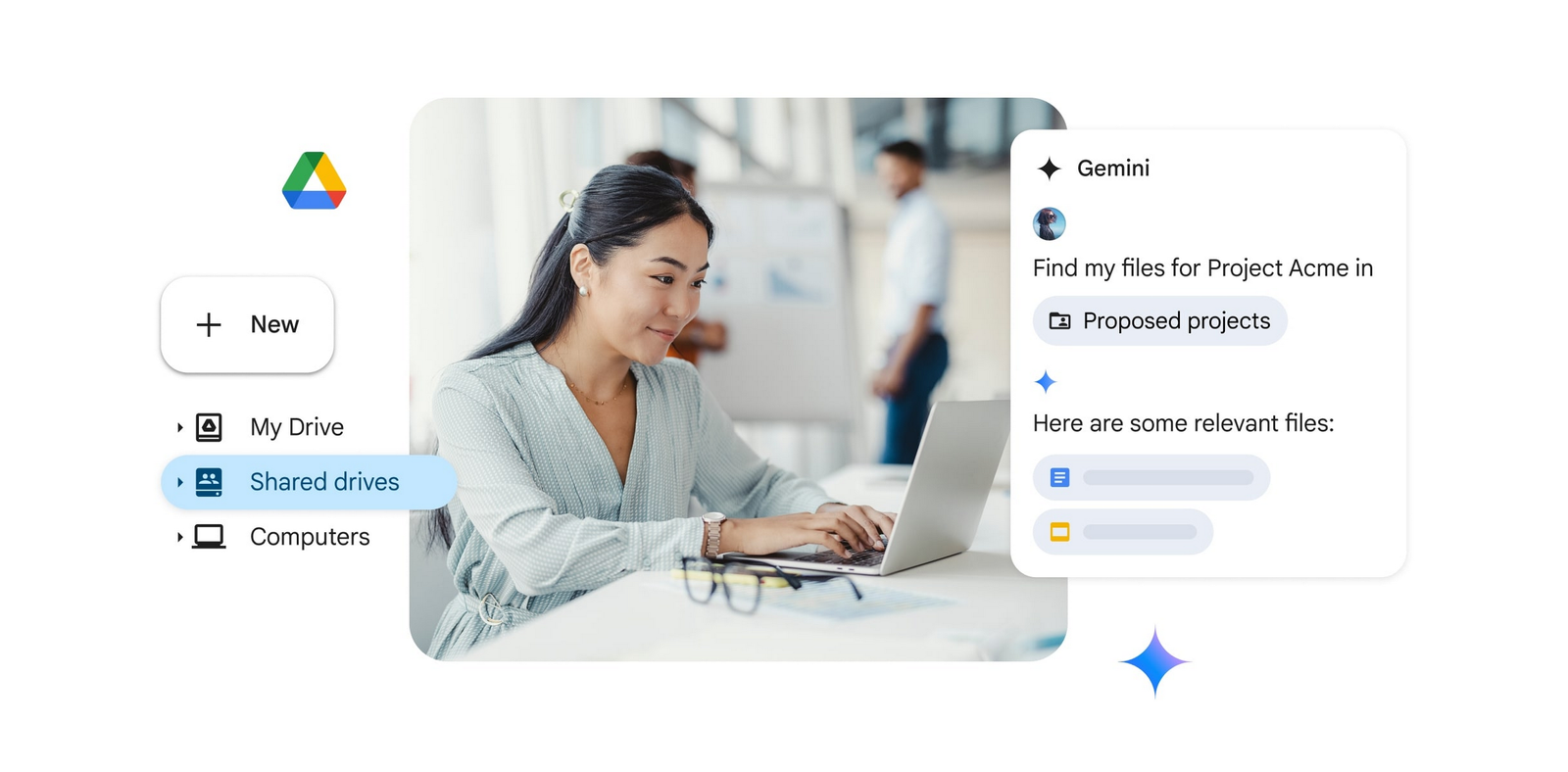
If you have many files but don’t remember the content of each document, Gemini can help you find the right one. If you’re in a hurry to find a presentation or your notes before a meeting, you can use Gemini in the Drive side panel to quickly find the file you need with a simple prompt. Just start your search with something like “Find my 941 and 1040 tax forms” or “Show me the presentation on my Google Ads strategy for 2026” and you’ll have the files ready in seconds.
3. Draft and sign contracts effortlessly with e-signature
Instead of using multiple applications to draft a contract, send it out to collect signatures, and then re-upload the final copy for storage, you can do it all in Google Drive. You can easily upload PDF contracts to Drive or draft new contracts in Docs, save them as reusable templates, and collect signatures and additional information from signers (e.g., job titles). Now all your suppliers, manufacturers, clients, and employees can renew their contracts quickly and smoothly.

4. Keep your project files organized and collaborative with a shared drive
Keeping project files organized can be tricky, especially if your employees or contractors leave the company and you no longer have access to all their files. Using a shared drive for projects and teams ensures you’ll still have access to the files even if their creators leave the organization, as the files in the shared drive belong to the team and not a single person. Therefore, if a manager leaves the company after creating the onboarding documents, the files will still be available for easy access if they are stored in a shared drive.
5. Scan your paper documents and access them from anywhere with the Google Drive mobile app
The Google Drive scanner is a simple way to keep your documents organized and accessible from anywhere. Available in the Google Drive mobile app, it converts receipts, notes, and multi-page documents into PDF files for easy saving and sharing. You can even search uploaded PDFs in Drive to quickly find a scanned receipt from a business trip when you’re ready to submit your expenses.
Google Drive offers a powerful and streamlined way to manage information, collaborate effectively, and increase productivity. It’s more than just file storage; it’s a central hub for your small business to stay organized. Transform the way you work with Drive to free up valuable time and resources and focus on what truly matters: the growth of your business.
At G Nerd, we help you set up and train your team to make the most of these tools. Don’t let your company fall behind.
Do you want to implement Google Workspace in your company or upgrade your current plan? Contact us today at G Nerd and take your productivity to the next level!
Resources


One Comment