
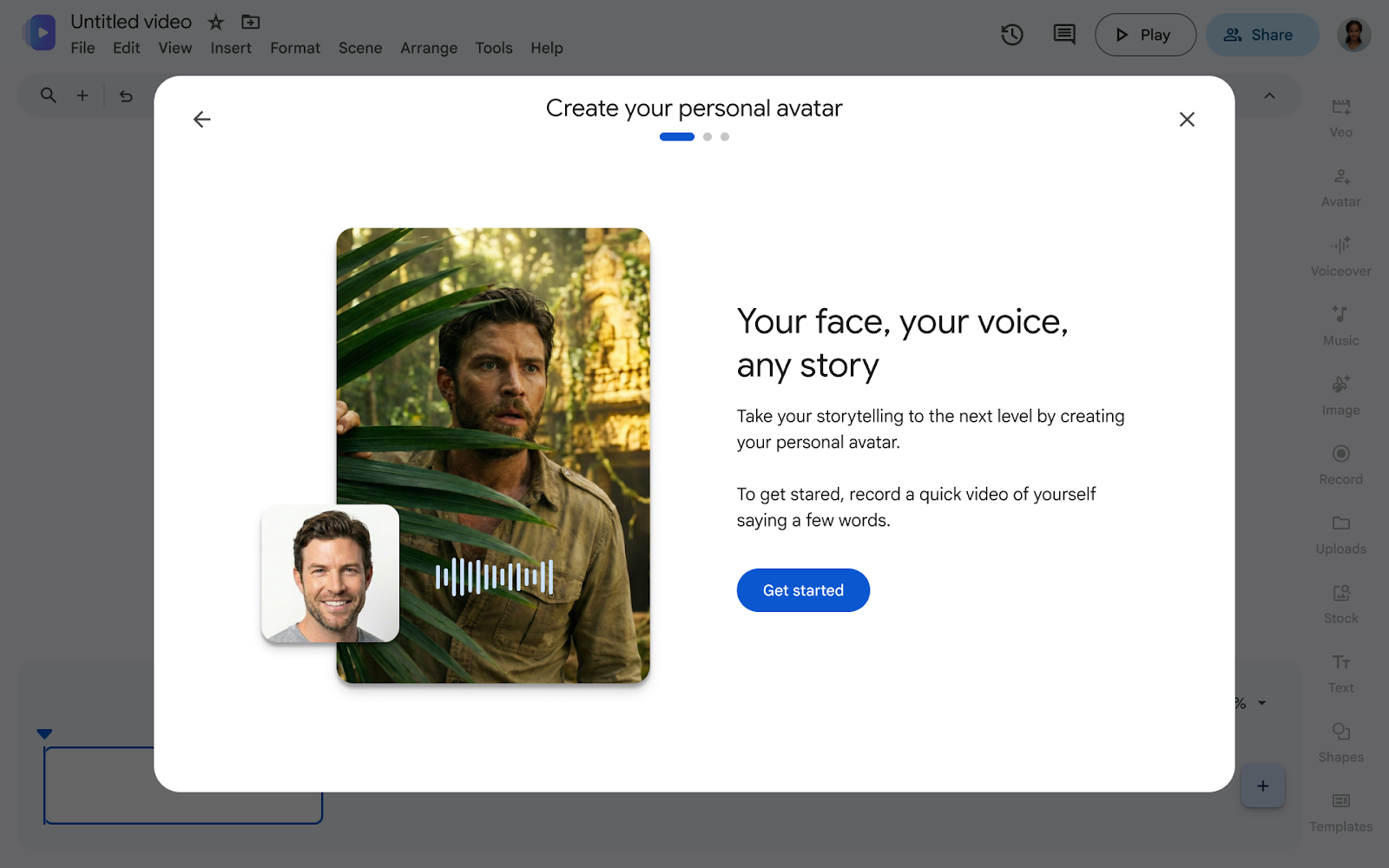

How does custom avatar creation work in Google Vids?
In practical terms, custom avatar creation in Google Vids using Gemini Omni allows you to generate a digital twin from short video and audio recordings of the user. This technology analyzes phonic voice patterns, facial expressions, and tone to synthesize realistic video clips based on text instructions (prompts).
According to experts in corporate communication and cloud technology, this capability solves the bottleneck involved in traditional audiovisual production, allowing organizations to scale internal training, executive announcements, and product marketing without recurring recording schedules.
Key benefits of AI avatars in business communication
AI video generation has shifted from being an experimental tool to becoming a high-performance productivity asset. In hybrid or large-scale work environments, scaling personalized content production is key to maintaining strategic alignment.
By implementing a custom AI avatar, your organization gains substantial advantages:
- Production scalability: Create multiple personalized video messages simply by writing a script, eliminating studio recording logistics.
- Brand consistency: Keep corporate image and tone of voice aligned across every department.
- Quick updates: Modify the text of a presentation or training material to regenerate the video clip in minutes.
Step-by-step guide: How to create AI avatars in Google Vids
To make the most of this feature within Google Workspace, the AI video editing process is structured logically and straightforwardly:
- Record your training sample: Access the Google Vids platform and read the calibration script to capture your gestures and voice nuances.
- Validate security permissions: Confirm biometric and identity protocols under Google Cloud’s enterprise data governance and protection.
- Write the content: Enter the text or prompt for the announcement you want your avatar to deliver.
- Generate and distribute: Review the draft generated by Gemini Omni and share it directly via Google Drive, Gmail, or Google Meet.
Usage comparison: Traditional methods vs. AI Avatars
| Criterion | Traditional audiovisual production | Creation with Gemini Omni in Google Vids |
|---|---|---|
| Production time | Days or weeks per studio session. | Minutes from a text draft. |
| Operating costs | High (equipment, cameras, external editing). | Included in cloud infrastructure. |
| Content updating | Requires re-recording the entire video. | Quick text editing and immediate integration. |
Availability
This feature is available for the following Google Workspace licenses:
- Business Starter
- Business Standard
- Business Plus
- Enterprise Starter, Standard, and Plus
- Education Plus
- Google AI Pro and Ultra
- Enterprise Essentials and Enterprise Essentials Plus; Nonprofits
- Google AI Pro for Education add-ons; Teaching and Learning
Take your organization’s productivity to the next level
Mastering how to create AI avatars not only saves operational time, but also modernizes your company’s internal and external communication culture. Integrating advanced AI avatar solutions requires an expert partner to ensure proper adoption across the Google ecosystem.
At G Nerd, as a specialized partner in Google Workspace licensing and solutions, we guide your company through the strategic implementation and optimization of artificial intelligence tools.

